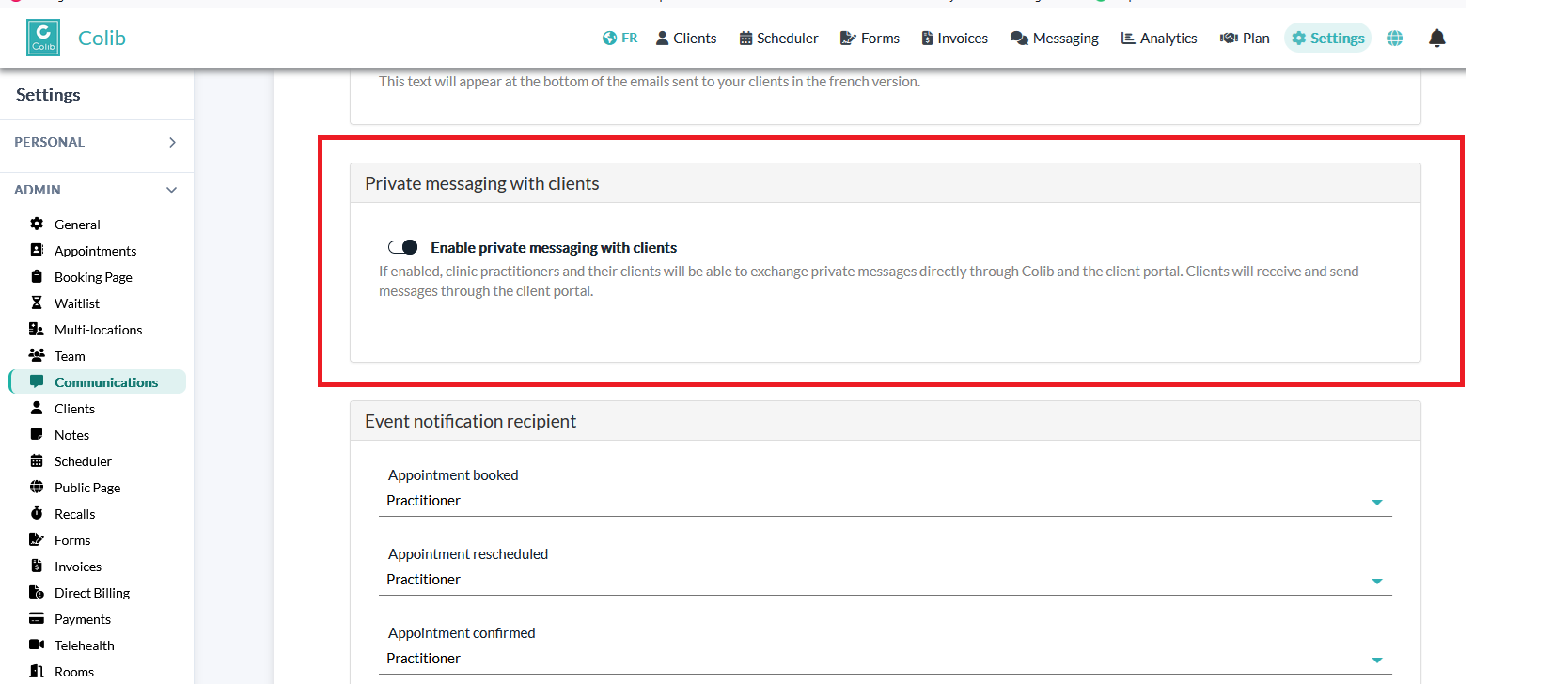
1. Open Settings → Communications. https://www.colib.io/Settings?show=communications
2. Find Private messaging with clients.
3. Turn on Enable private messaging with clients.
4. Scroll down and click Save.
5. Refresh the page — a new “Messaging” link will appear in your navigation bar.
Was this article helpful?
That’s Great!
Thank you for your feedback
Sorry! We couldn't be helpful
Thank you for your feedback
Feedback sent
We appreciate your effort and will try to fix the article