Who is this article for?
A client has finished their treatment, moved away or no longer comes to your practice. You must keep their record for several years, but you no longer want to see them in your lists. In that case, archive the client: the record stays complete in Colib, it simply becomes inactive.
This article explains how to archive a client, what changes once the client is inactive, how to find an archived client and how to reactivate them.
Before you start: you need the right to edit client information. Users who can only view client records do not see the Save button.
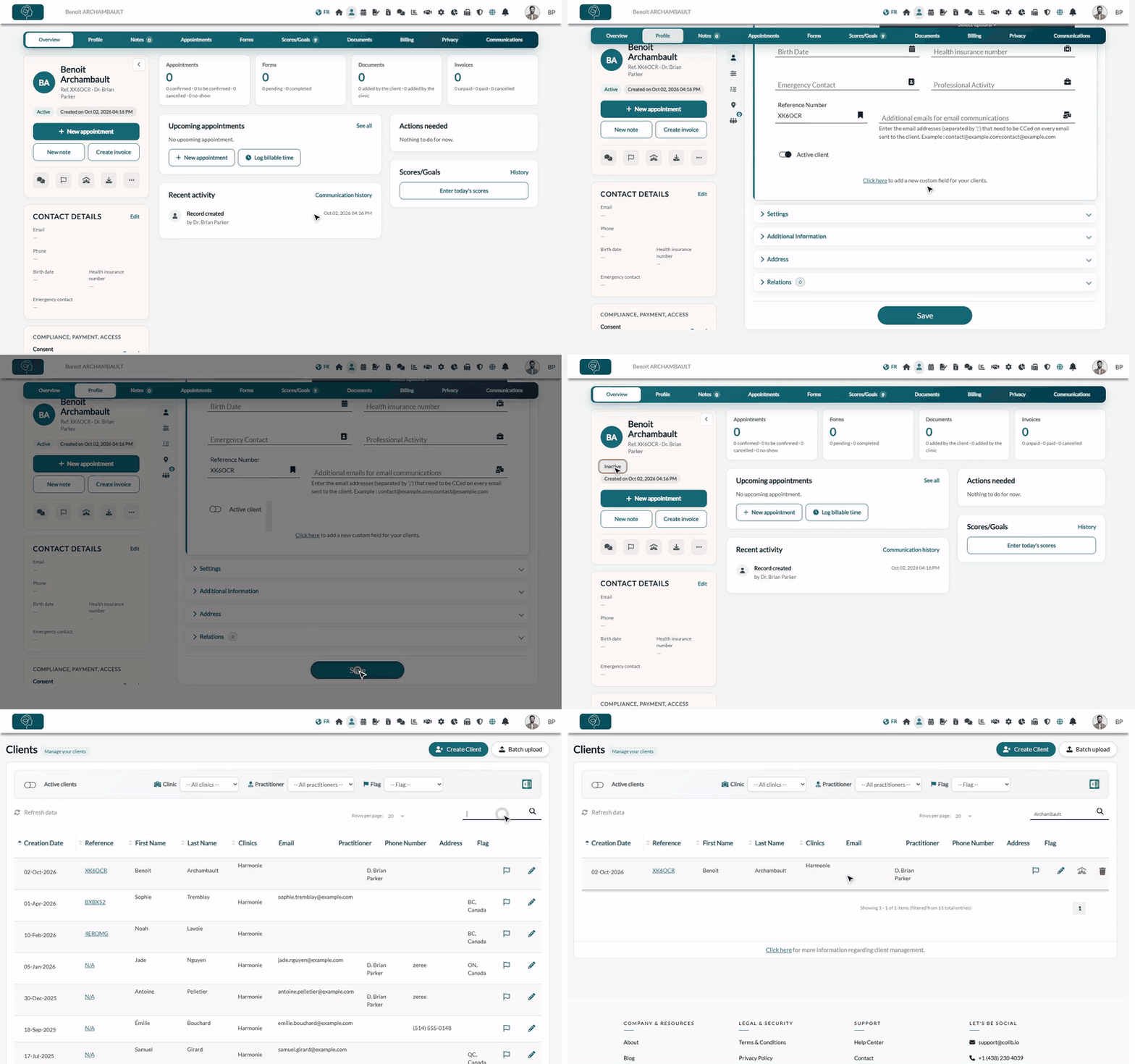
1Open the client's profile
- Open the client record from your client list (www.colib.io/clients).
- Click the Profile tab at the top of the record.
- Open the General Information section.
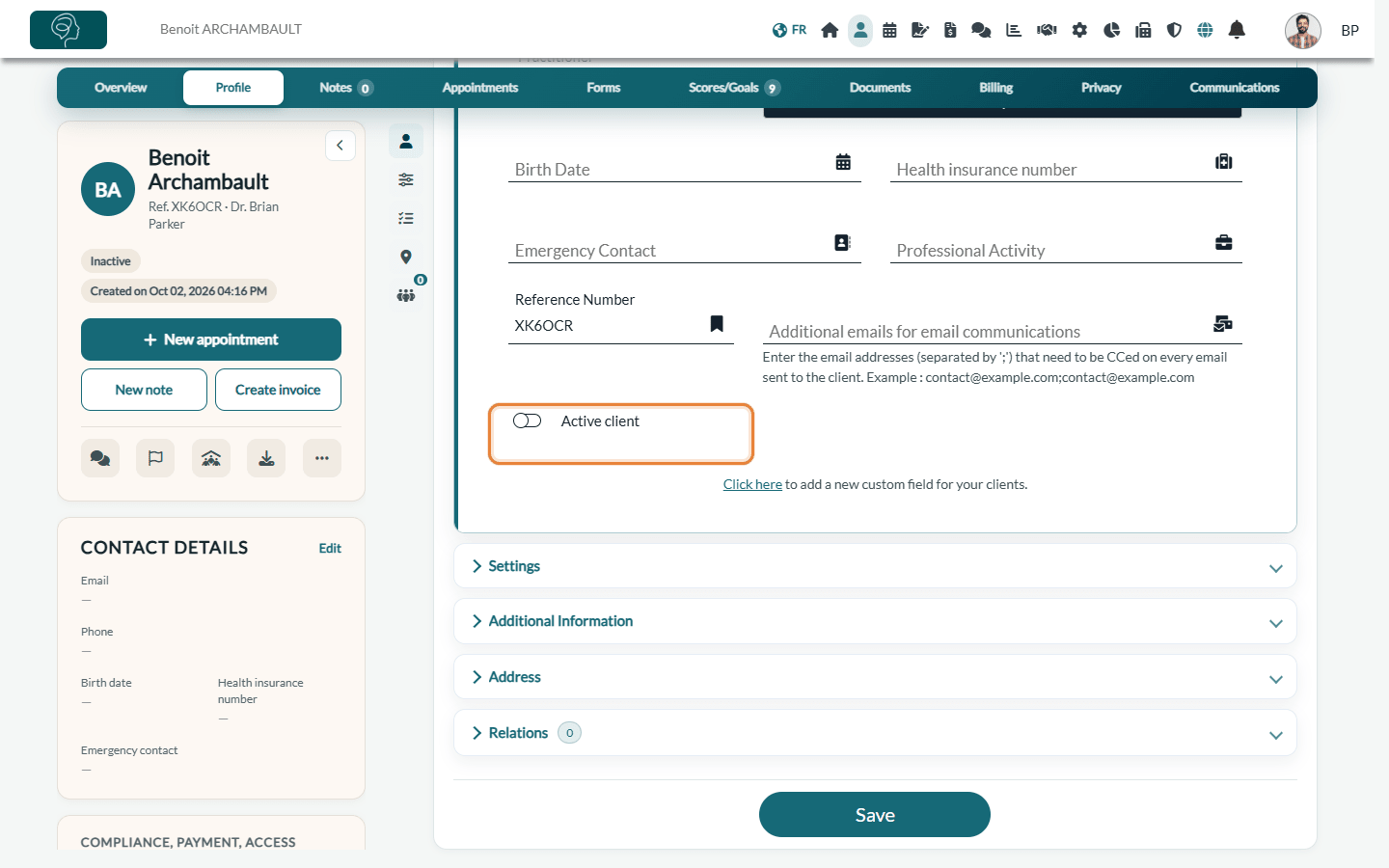
2Turn off Active client and save
- At the bottom of the General Information section, turn off Active client.
- Click Save at the bottom of the form. The message The modifications have been successfully saved. confirms the change.
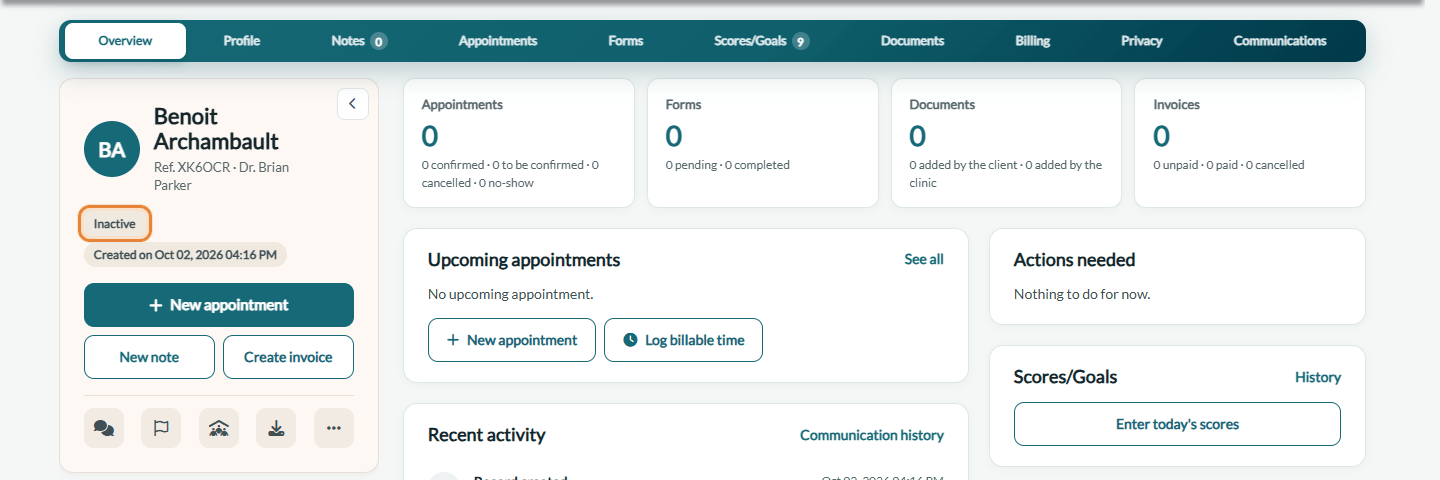
The client record now shows the Inactive badge under the client's name, instead of Active.
What changes when a client is archived
- Client list — the client no longer appears in your client list, which shows active clients by default.
- New appointments — the client is no longer offered in the client list of the appointment window. Appointments that already include the client keep them.
- Private messaging — the client is no longer offered when you start a new conversation.
- Recalls — the client no longer receives recall reminders.
- Nothing is deleted — notes, documents, forms, invoices, appointments and the history of communications stay in the record, which you can open at any time.
Important: archiving a client does not cancel their upcoming appointments. If the client still has appointments in your scheduler, cancel them first.
3Find an archived client
- Go to Clients (www.colib.io/clients).
- Turn off the Active clients filter at the top left of the list. The list then shows your archived (inactive) clients only.
- Use the search field to find the client, then click their reference to open the record.
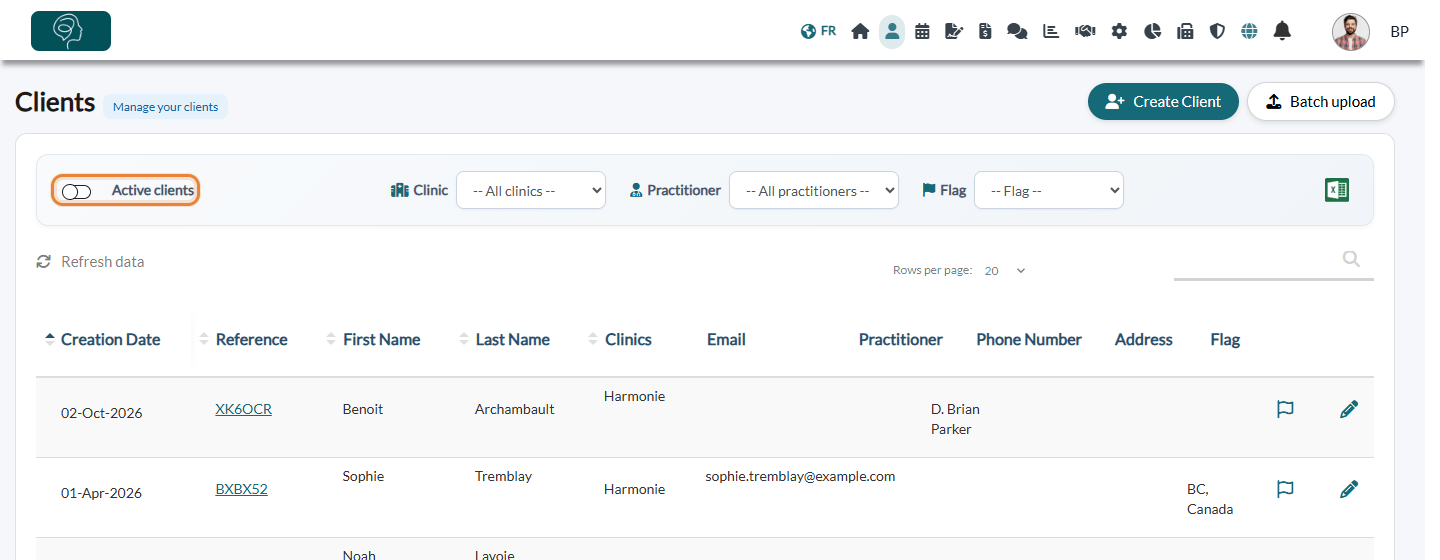
Turn the Active clients filter back on to return to your active clients.
4Reactivate a client
- Open the archived client's record (see step 3).
- In the Profile tab > General Information, turn Active client back on.
- Click Save. The client appears again in your lists.
Good to know
- Archive or delete? — archiving keeps the whole record, which is usually what the record-keeping rules of your profession require. Deleting a client (More actions menu of the record, Delete client) removes the record from your practice: only do it for a record created by mistake or a duplicate. For a duplicate, see Can I merge two client accounts?.
- Export — the Excel export of the client list follows the Active clients filter: turn the filter off to export your archived clients. See also How to export my client data?.
- Client portal — archiving a client does not close their client portal account.
Still have a question?
Write to us at support@colib.io, we will be happy to help.
Was this article helpful?
That’s Great!
Thank you for your feedback
Sorry! We couldn't be helpful
Thank you for your feedback
Feedback sent
We appreciate your effort and will try to fix the article